Contents › 8. Systems and access
8. Systems and access
8.1 The system map
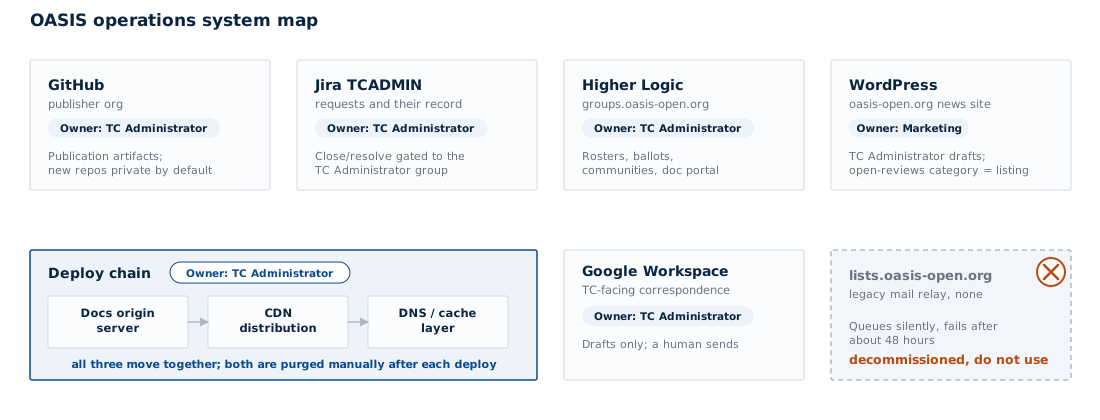
The operation runs across seven systems, and no one of them holds the whole record:
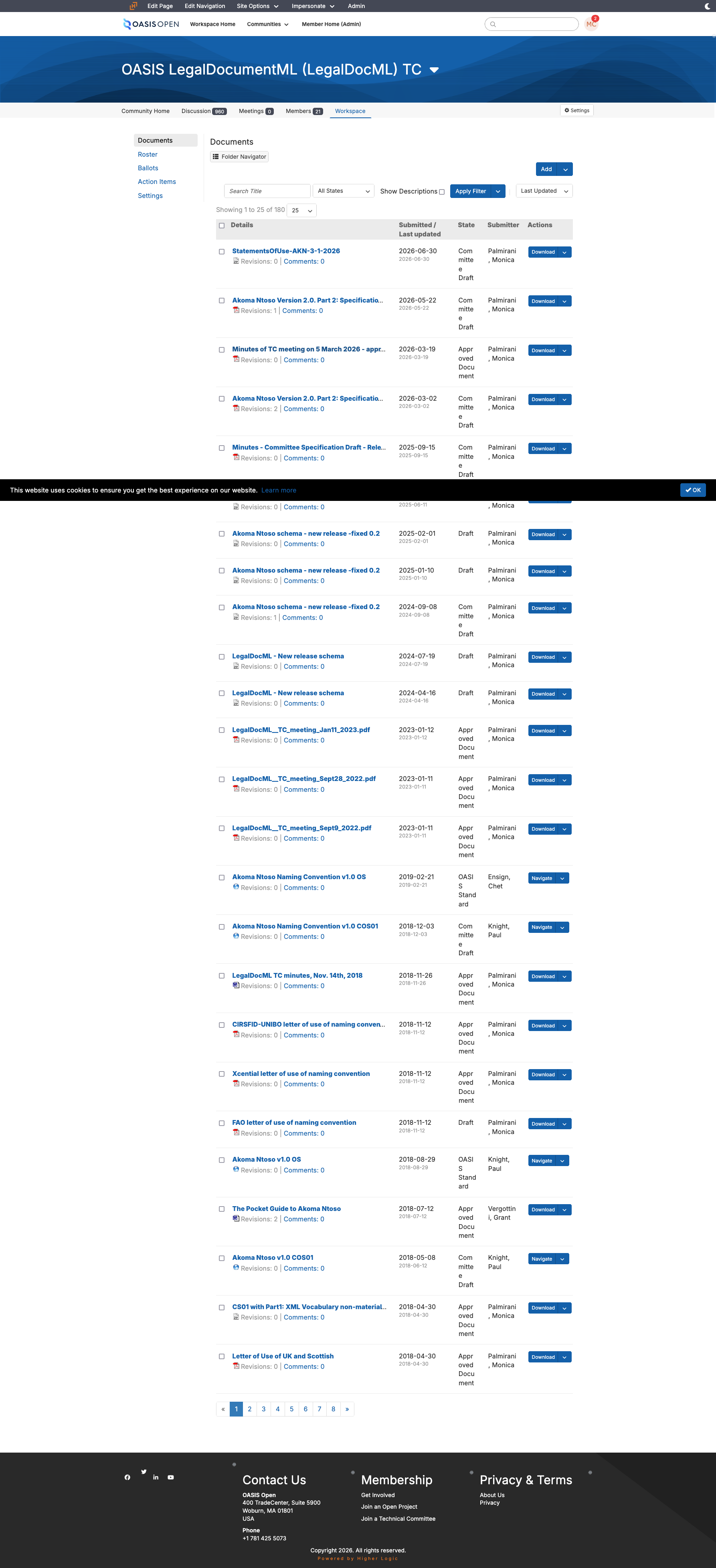
- The member platform (Higher Logic, in use since March 2024) is where committees live: the community discussions that carry announcements and comments, the ballots, the roster that supplies the eligible-voter count, and the document portal through which a TC editor delivers a finished package.
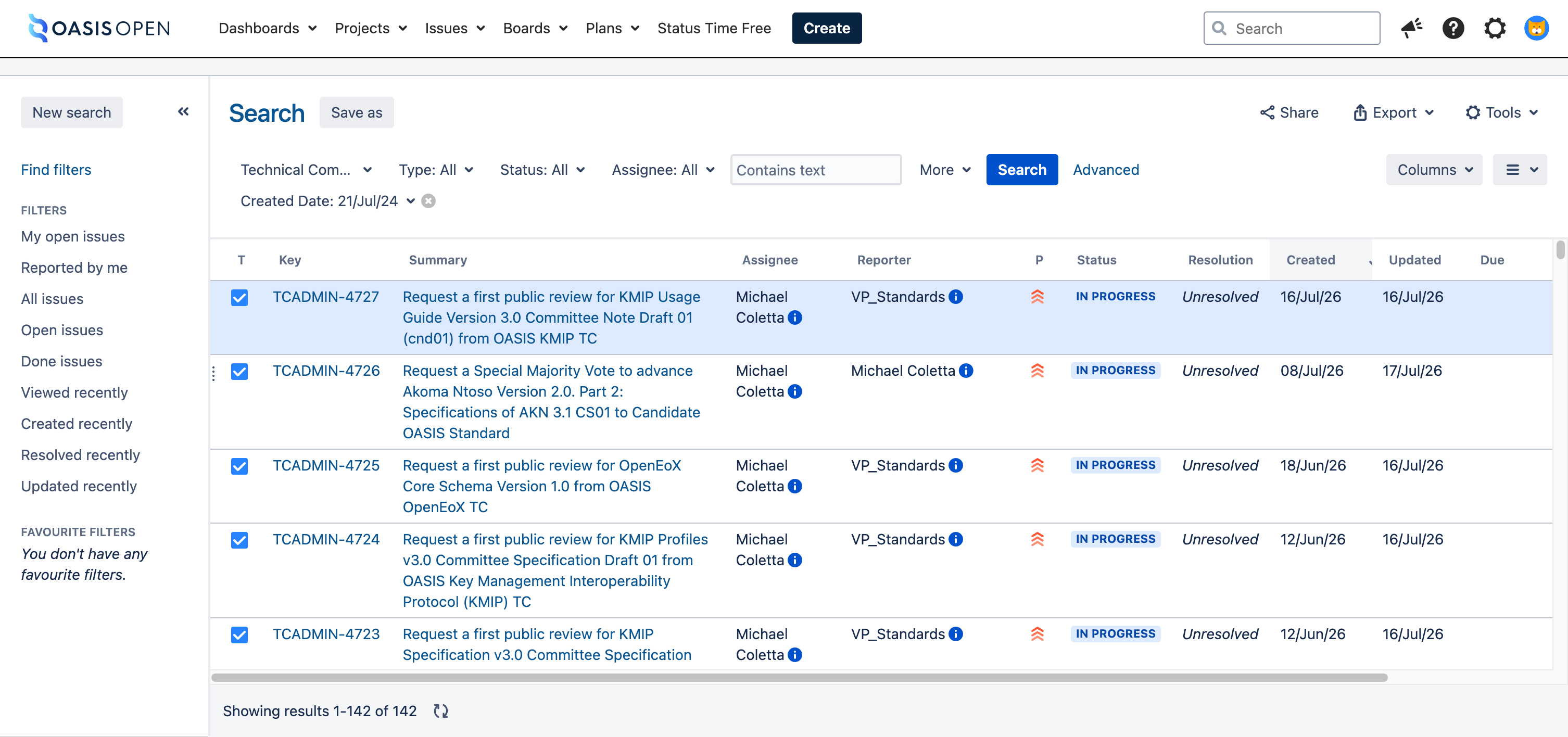
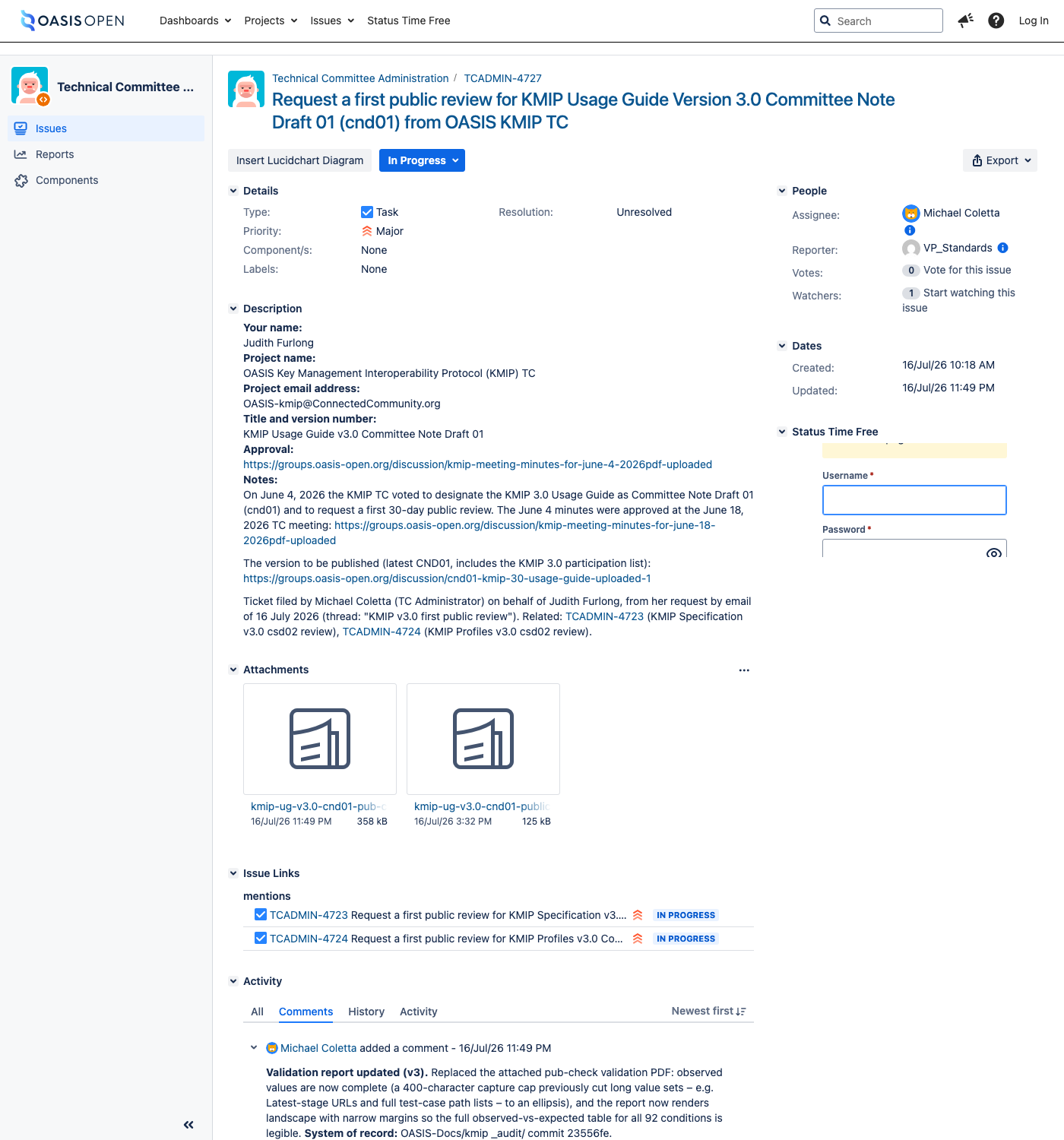
- The request tracker (Atlassian Jira, project key TCADMIN, at https://issues.oasis-open.org) holds one ticket per request and is the record of what was asked and what was returned.
- The internal publishing repositories hold the artifacts and are the source of truth for what gets deployed; a TC never touches them, because editors deliver through the document portal or by email and staff move the package in.
- The public website (WordPress) with its content management system carries the news feed and the pages a member reads before making a request.
- The work tracker, a spreadsheet, holds one row per unit of docs and TC work under its own identifier scheme.
- Mail, the OASIS mailbox (Google Workspace) is where TC-facing correspondence is staged and sent.
- The publication surface is four layers rather than one. The rendered package moves through them in order, every time.
The four publication layers run in this order, every time:
- The rendered package is copied to the origin server.
- It is synced to the object store behind the content delivery network.
- The delivery network distribution is invalidated.
- The domain and cache layer above it is purged by path prefix.
The legacy mailing-list host that used to sit alongside mail is unreachable and nothing routes through it.
Each of these systems has a member-facing view and an administrative view, and the two look nothing alike. Sections 8.2 and 8.3 are written from the administrative side, because that is the side a successor inherits.
8.2 Ownership and permissions per system
The table below is the inheritance list. Where a cell says [VERIFY], the system exists and is in use, but who administers it and who grants access to it has not been confirmed, and that gap is itself a finding as of 22 July 2026.
| System | Administrative surface | Permission the work needs | Who grants it |
|---|---|---|---|
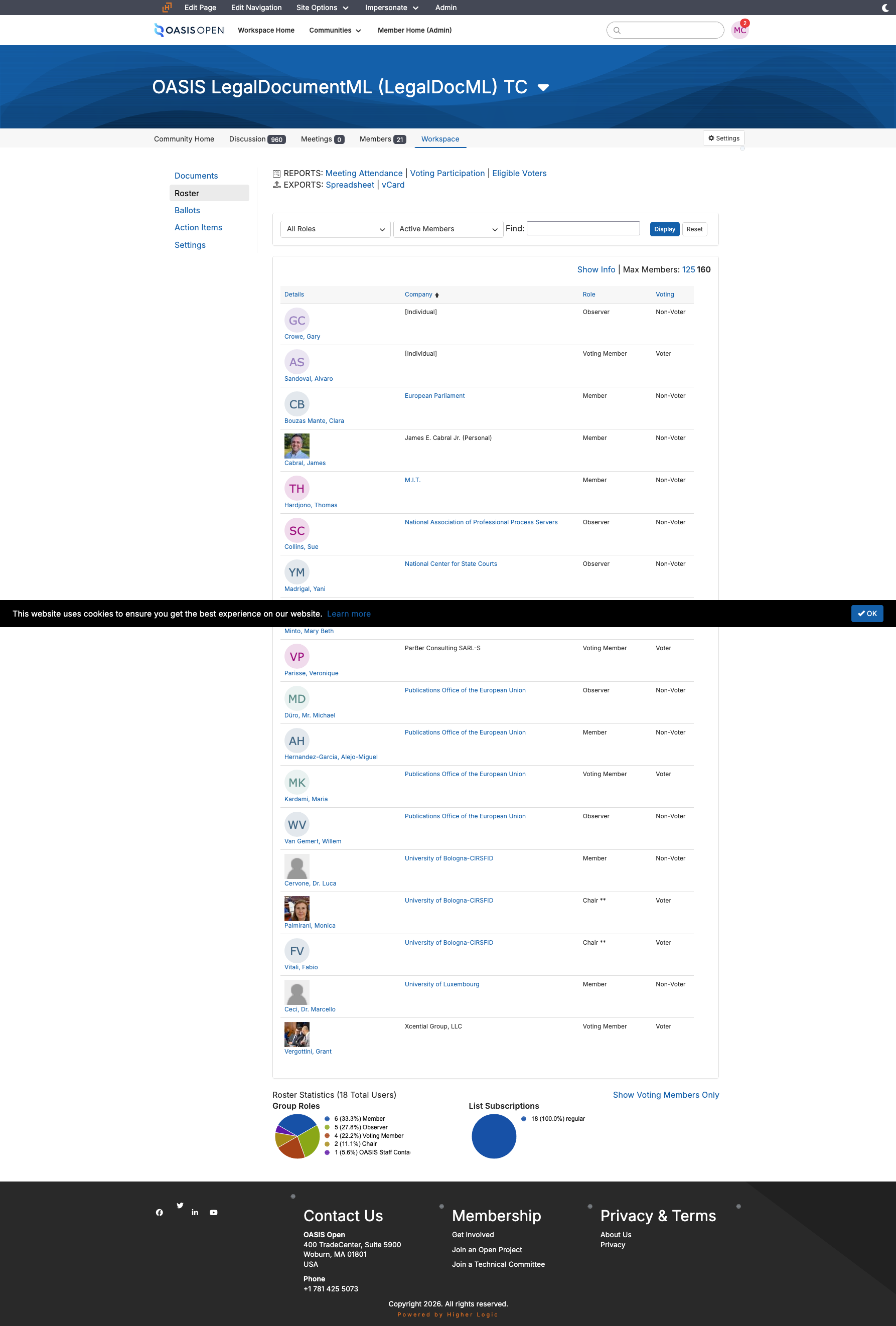
| Member platform | An administrator entry point separate from the member view, plus per-community administration | Posting rights on the all-members community, and administrator rights on each per-TC public comment facility | [VERIFY] |
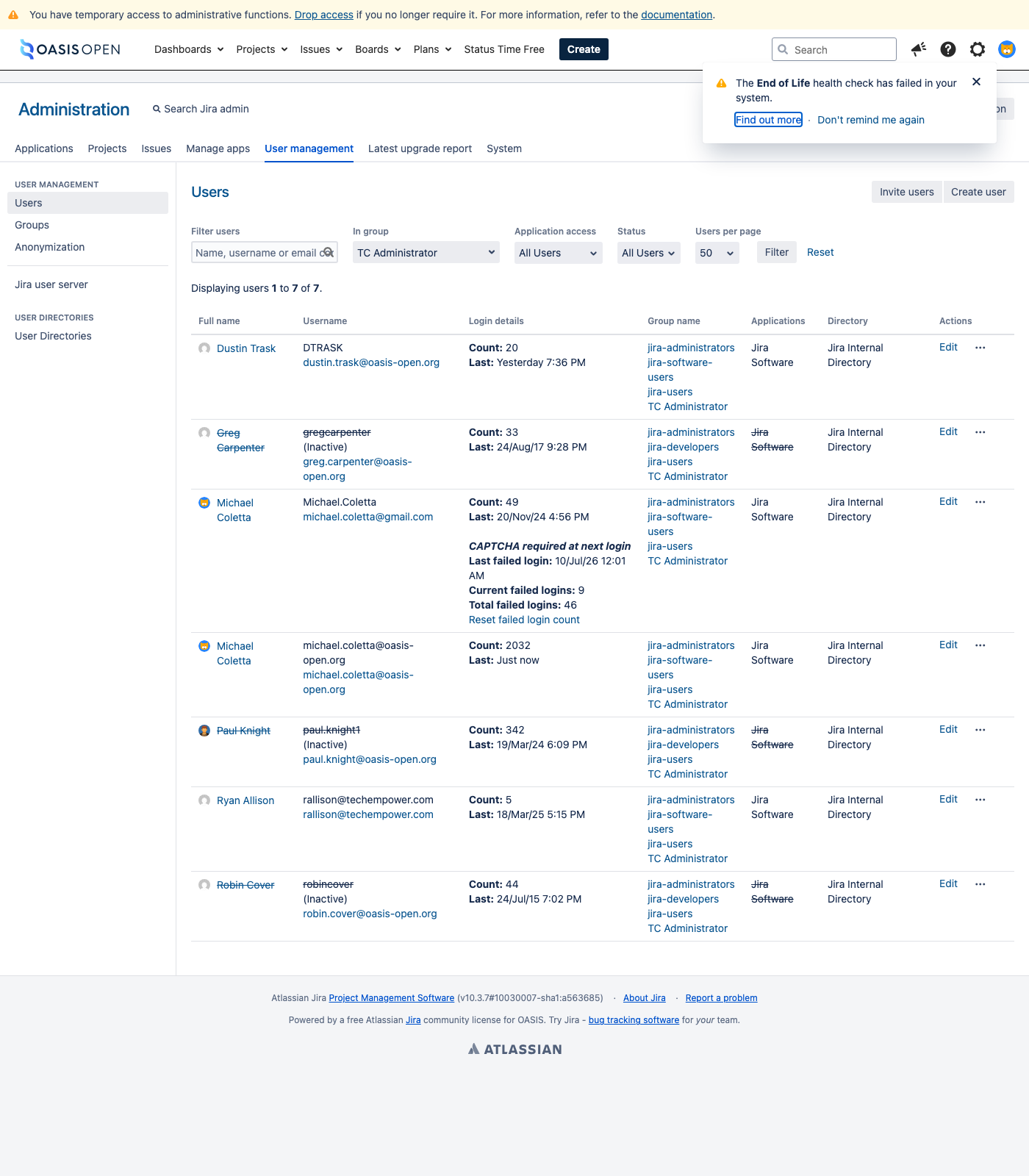
| Request tracker | The project's own queue, ticket and permission-scheme screens | Membership in the TC Administrator permission group, which is what carries close and resolve | Held today by the TC Administrator, who also holds tracker administration |
| Internal publishing repositories (GitHub, the OASIS-Docs organisation) | The repository and organisation settings | Organisation membership able to create and write repositories | [VERIFY] |
| Docs origin box, then AWS S3, AWS CloudFront and Cloudflare (object store, CDN, domain and cache layer) | Four separate consoles or command surfaces, one per layer | Deploy credentials for each layer, run today from a staff workstation | [VERIFY] |
| Public website | The content management system's page editor and post editor | Author access | [VERIFY] |
| Work tracker | The spreadsheet itself | Edit access to the tracker | [VERIFY] |
| The mailbox, with drafts staged over IMAP | Mailbox access | [VERIFY] |
Four administrative surfaces need a fuller description than the table gives, because that is where the work happens.
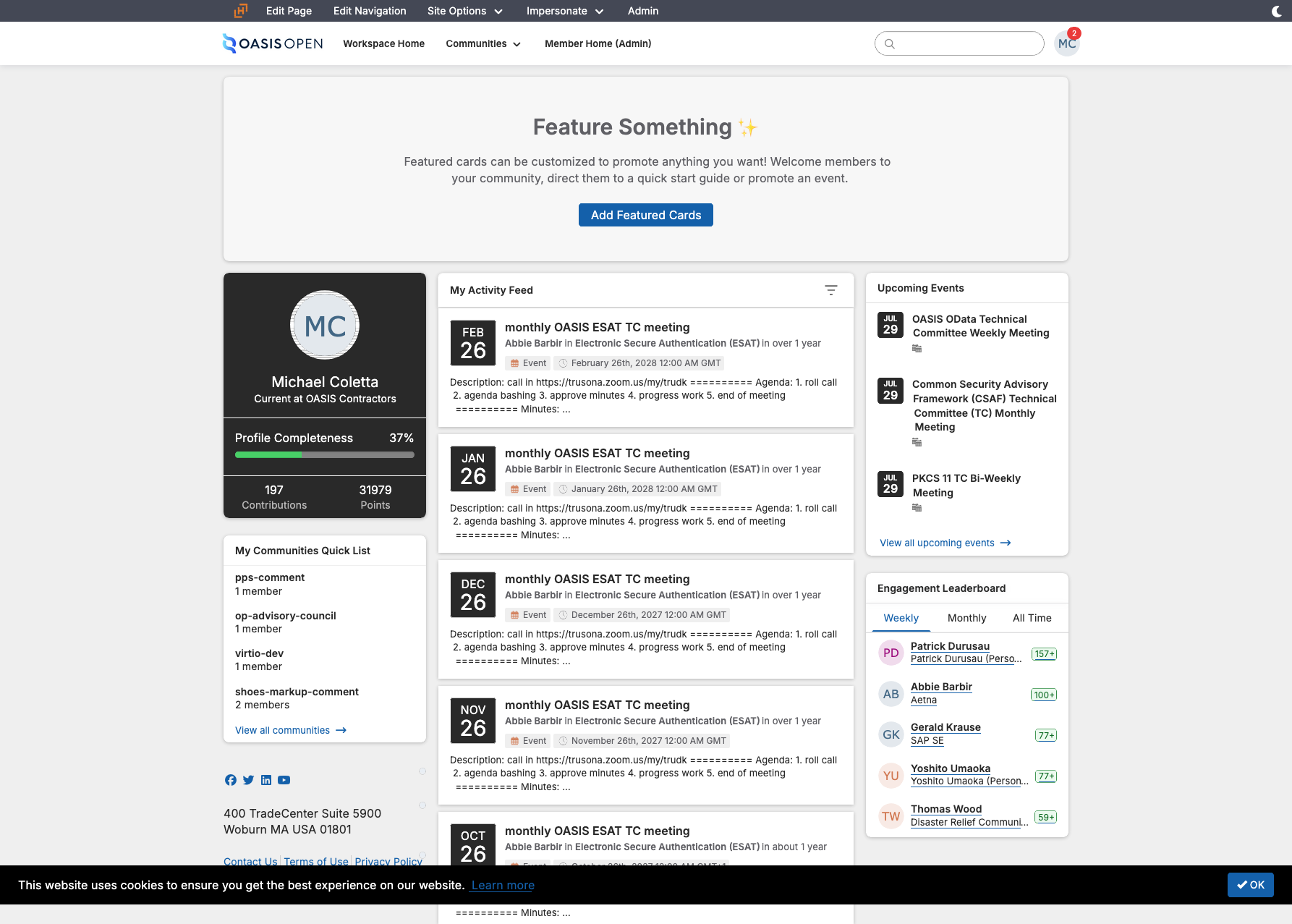
How you sign in to the member platform. The member platform authenticates through SAML 2.0 single sign-on backed by a Salesforce identity provider, confirmed on 29 July 2026. Two consequences follow for a successor:
- The single sign-on "Log in" path can dead-end at the identity provider, showing an unauthenticated Salesforce screen rather than the platform. The platform's own direct login form is the reliable way in when that happens.
- Because the account that authenticates is a Salesforce identity, a member-platform sign-in problem is an identity-provider problem, not a Higher Logic one, so it is diagnosed and fixed on the Salesforce side.
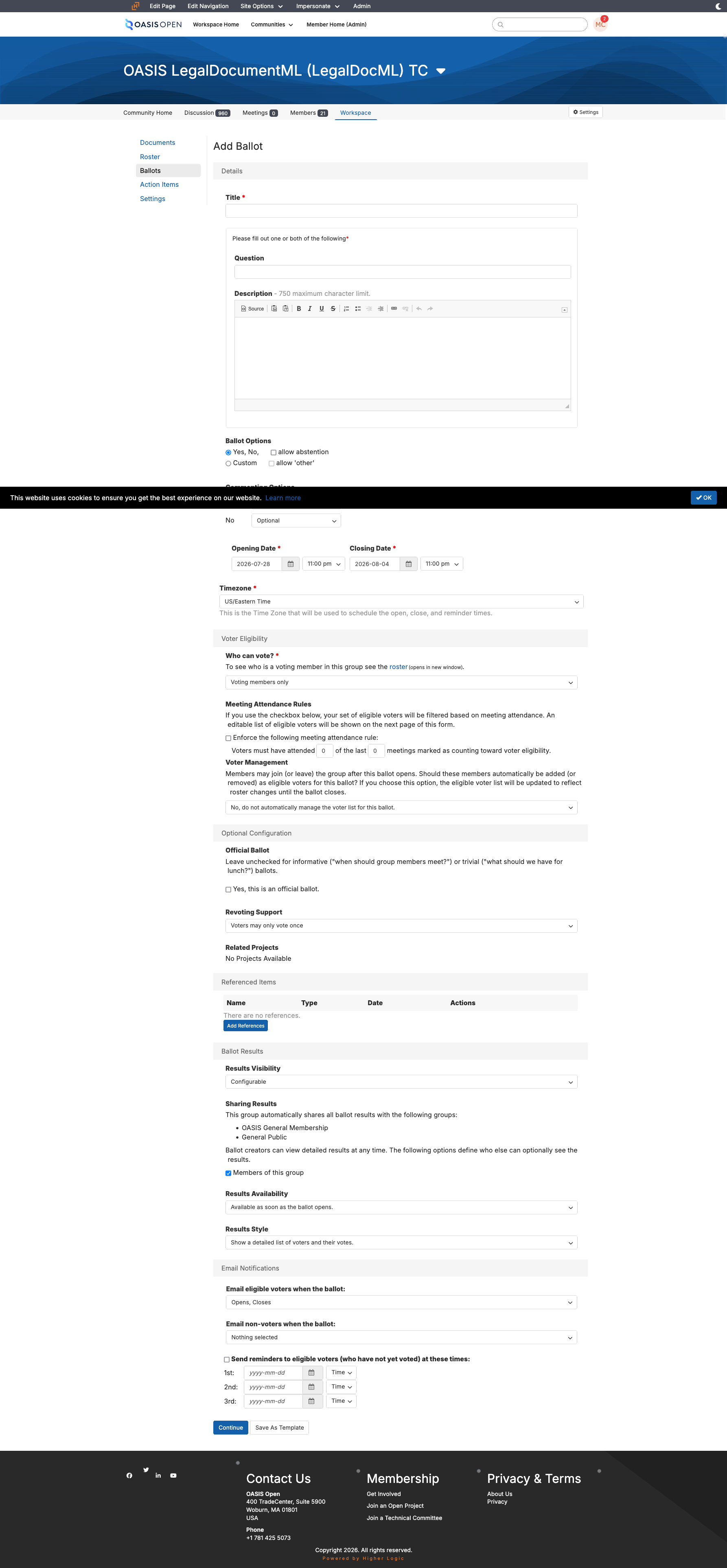
The member platform's administrative side. Ballots are created from a form that takes these values as free text, so the roster arithmetic is typed into a field rather than computed by the platform:
- the title
- the specification link
- the summary
- the Statements of Use
- the opening and closing dates
- the passing threshold
The roster view supplies the eligible-voter count that arithmetic depends on, fixed at the moment the ballot opens. Results visibility defaults to administrators of the group, with sharing to the general membership and to the general public both off, so publishing a result outside the group is a separate deliberate task. Community administration is where the per-TC comment facilities are configured, and a comment facility is a separate community from the TC's own with its own key.
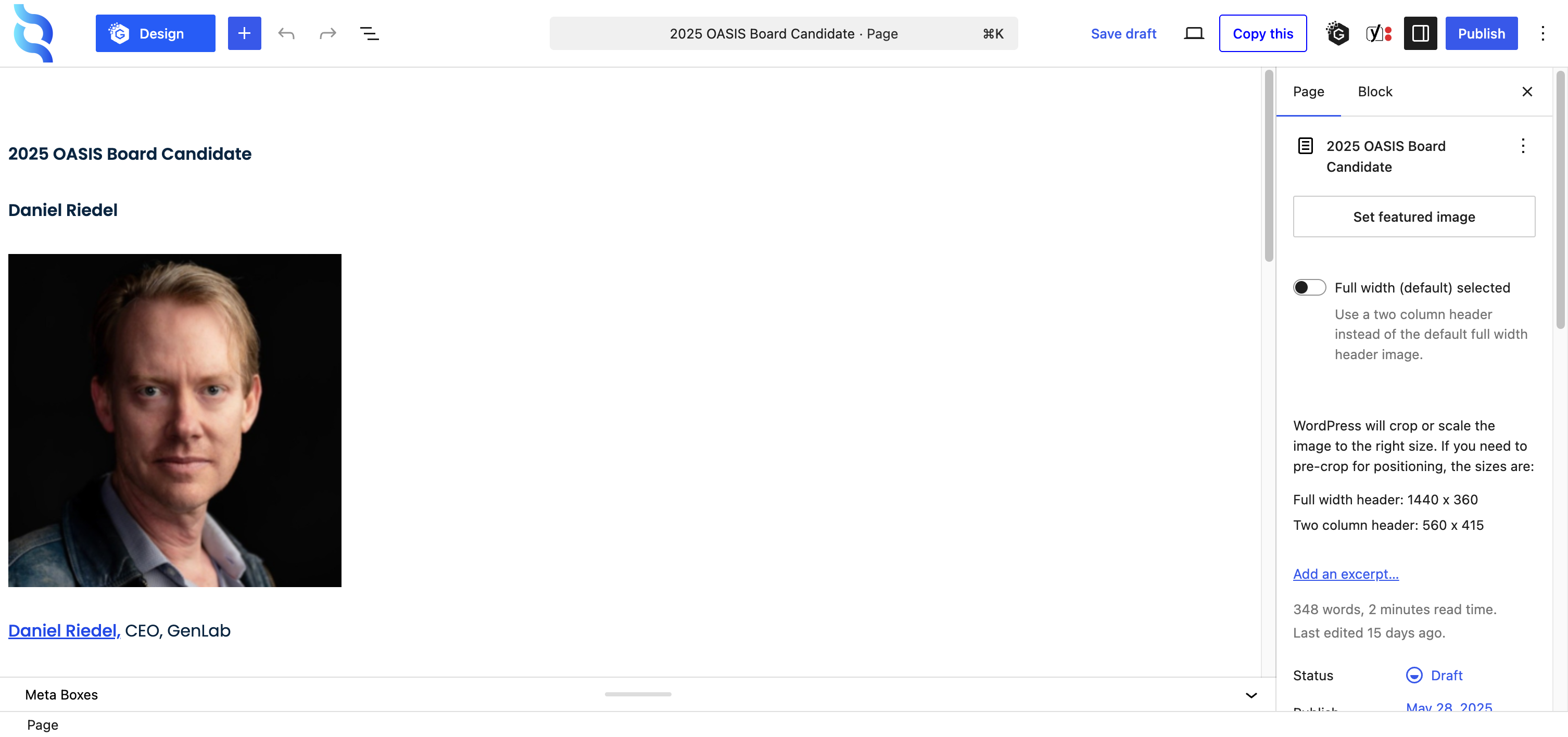
The website's content management system. A page is edited by opening it in the editor, changing the content in place and republishing it. A news story is created as a post in the same system, given a category from the four the site offers, and published.
What is not established is:
- whether news stories arrive through a submission form of any kind
- who moves a draft to published when the author is not the publisher
- whether the author role can publish directly or only submit for review
[VERIFY]
The form surface where requests arrive. A Gravity Forms public request form writes directly into the request tracker as a service account, creating a TCADMIN ticket, rather than posting as the person submitting, which is why the ticket record does not carry the requester's identity. The form is open to anyone, which is how a wave of 20 spam submissions reached the queue in the year to 20 July 2026.
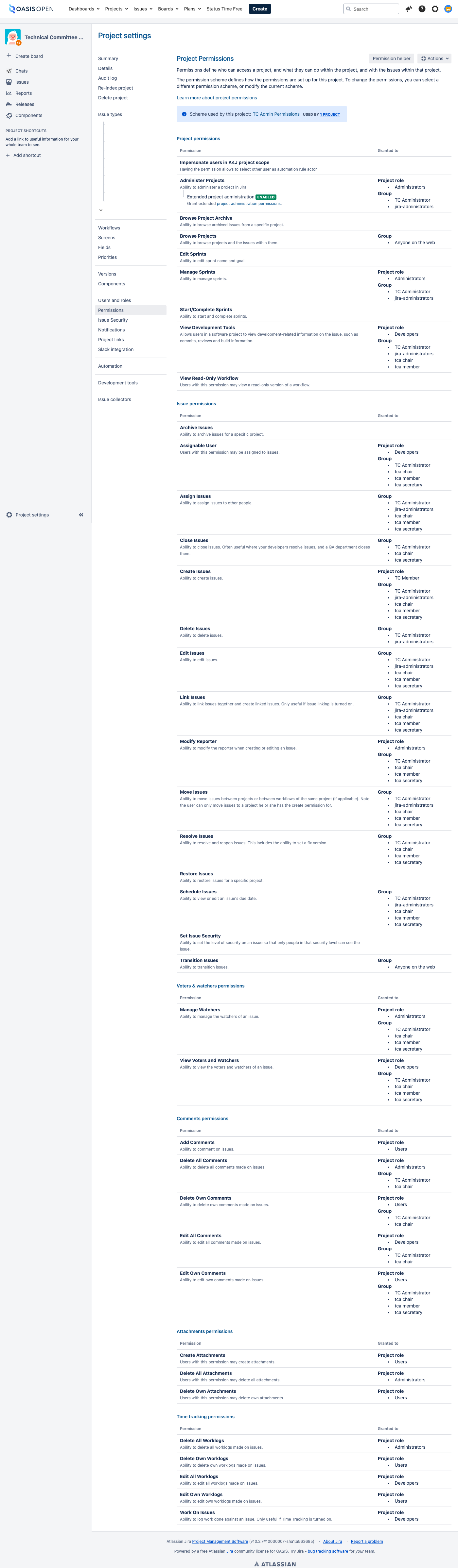
The request tracker's own screens. The queue list shows every request in the project; as of 22 July 2026 every recent ticket reads as a generic task, so the type column carries no information and the request kind survives only as free text in the summary. A ticket's detail screen holds the record: the inbound package from the TC and the two reports OASIS returns. The permission-scheme screen is easy to overlook. That gap was found and closed on 10 July 2026 by adding the operator to the group.
As of 22 July 2026, the published TC administration request forms page is a defect: it is still served, and all 18 request forms on it link to a former staff member's personal domain, every one of which returns not found. The form slugs also use stage abbreviations retired in January 2024. Two things are wrong:
- an OASIS process page routes members to a third-party personal domain
- the request vocabulary it presents is out of date
The entry point recorded internally as the current route redirects instead to the member platform's workspace home, which is not a request form either. Whether to retire the page or redirect it is an open decision with no owner recorded.
8.3 Onboarding a new staff member
There is no onboarding procedure and no access checklist anywhere in the operational documentation. The only recorded access list is in the public review runbook, and it covers just the access opening a review needs. Everything below was reconstructed from the individual runbooks for this handbook, and it should become a checklist rather than staying prose.
A person taking over any part of this operation needs seven separate grants, and none of them are bundled behind a single account:
- posting rights on the all-members community of the member platform plus administrator rights on the per-TC public comment facilities
- membership in the request tracker's TC Administrator permission group, which is what carries close and resolve, and which project administration alone does not confer
- organisation membership on the internal publishing repositories
- deploy credentials for each of the four publication layers, separately
- author access to the public website's content management system
- edit access to the work tracker
- access to the OASIS mailbox used for TC correspondence
Two of these have a known history worth passing on:
- The member-platform posting right sat with a staff member who left in June 2026 and should be confirmed before a review is opened.
- The request tracker's group membership is separate from project administration: an incoming person can hold administration and still have no close or resolve transition until this membership is granted.
Who to request each grant from is not yet documented, and it should be established before the next handover. [VERIFY]
- Owner
- whoever holds each system today, granting to the incoming person; the grant authority per system is unconfirmed
- System
- every system in the 8.1 map
- Permission
- administrative rights on each system to add a user
- Timing
- no recorded turnaround target for any grant
- Record
- a ticket per grant, or one ticket listing the full set where they are issued together
8.4 How this handbook is served
The handbook is one more system a successor inherits, so its own hosting is recorded here. The markdown in the source repository is the source of truth; a render pass turns it into the browsable site.
Deployment is automatic. A GitHub Actions workflow renders the site from the markdown and deploys it to a Cloudflare Pages project on every push to the source branch, so the live site follows the repository with no manual work and no server to keep running.
The site is served at ops-handbook.oasis-infra.net and gated by Cloudflare Access. A reader is sent to a Google sign-in, and the access policy admits only accounts whose email ends in oasis-open.org. The gate runs at the network edge, before the site is served, so there is no unauthenticated path to the content. This is why the handbook can be a real website for staff while staying off the public web.
- Owner
- the TC Administrator maintains the markdown and the render; the deploy workflow and the access gate run on the OASIS Cloudflare and GitHub accounts.
- System
- the source repository and its deploy workflow; Cloudflare Pages for hosting; Cloudflare Access with the Google Workspace identity provider for the gate.
- Permission
- an oasis-open.org Google account to read; write access to the repository to change the content; Cloudflare account access to change the gate or the domain.
- Record
- the repository history, the workflow run log, and the Cloudflare Access policy.