
Contents › 6. Public reviews
6. Public reviews
A public review puts a frozen document in front of the membership and the public for a fixed window, collects comments through channels that already exist, and obliges the TC to dispose of every comment before the specification advances. The operation is small and nothing about it is hidden: publish the documents, set the window, post the announcement. The announcement opens the review and starts the clock, so there is nothing else to switch on and no comment system to build.
Because the announcement is the event and not a record of it, everything it links to has to be live and correct before it is posted. The package does not change once the review is open.
6.1 Review types and durations
There are three windows, set by where the specification is in its life, and the document is frozen for the whole window in every case.
The document keeps its stage name throughout. A Committee Specification Draft in public review is still csd01; there is no separate public-review stage. The suffixes csprd and cnprd were removed by Naming Directives v1.7, effective 2 January 2024, along with cos, and they must not appear in the filenames, URIs or cover pages of a new publication. They remain in older published trees, which the permanence rule keeps exactly where they are. The acceptance criteria catch the retired tokens at intake.
| Review | Minimum period |
|---|---|
| First public review | a minimum of 30 days |
| Any subsequent public review | a minimum of 15 days |
| Candidate OASIS Standard review | a minimum of 60 days |
6.2 Opening a review
A review opens only after the TC has approved the draft and the decision to go to public review by a Full Majority Vote. That is the committee's own ballot, so the task here is to confirm it is in the approved minutes. The Special Majority Vote is a later task, to approve the Committee Specification after the review.
Then four things happen, in order:
- The documents are published to their stage URLs through the publishing operation, and every link that will appear in the announcement is confirmed to resolve before anything is posted.
- The window is set: the start is the day of the announcement and the end is the start plus the minimum for the review type, at 23:59 UTC, with explicit times given.
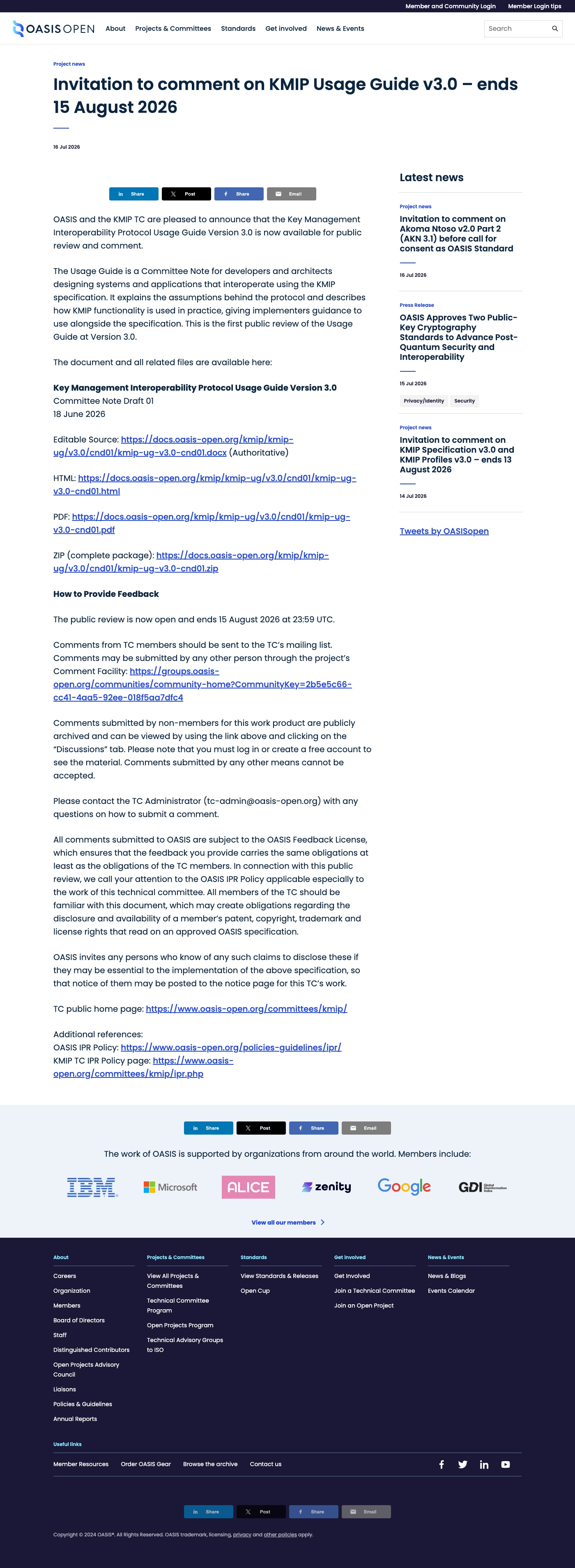
- The Invitation to Comment is posted to the all-members community on the member platform, which sends it out to the membership; the TC Administrator issues it, not the chair, and that post is what opens the review.
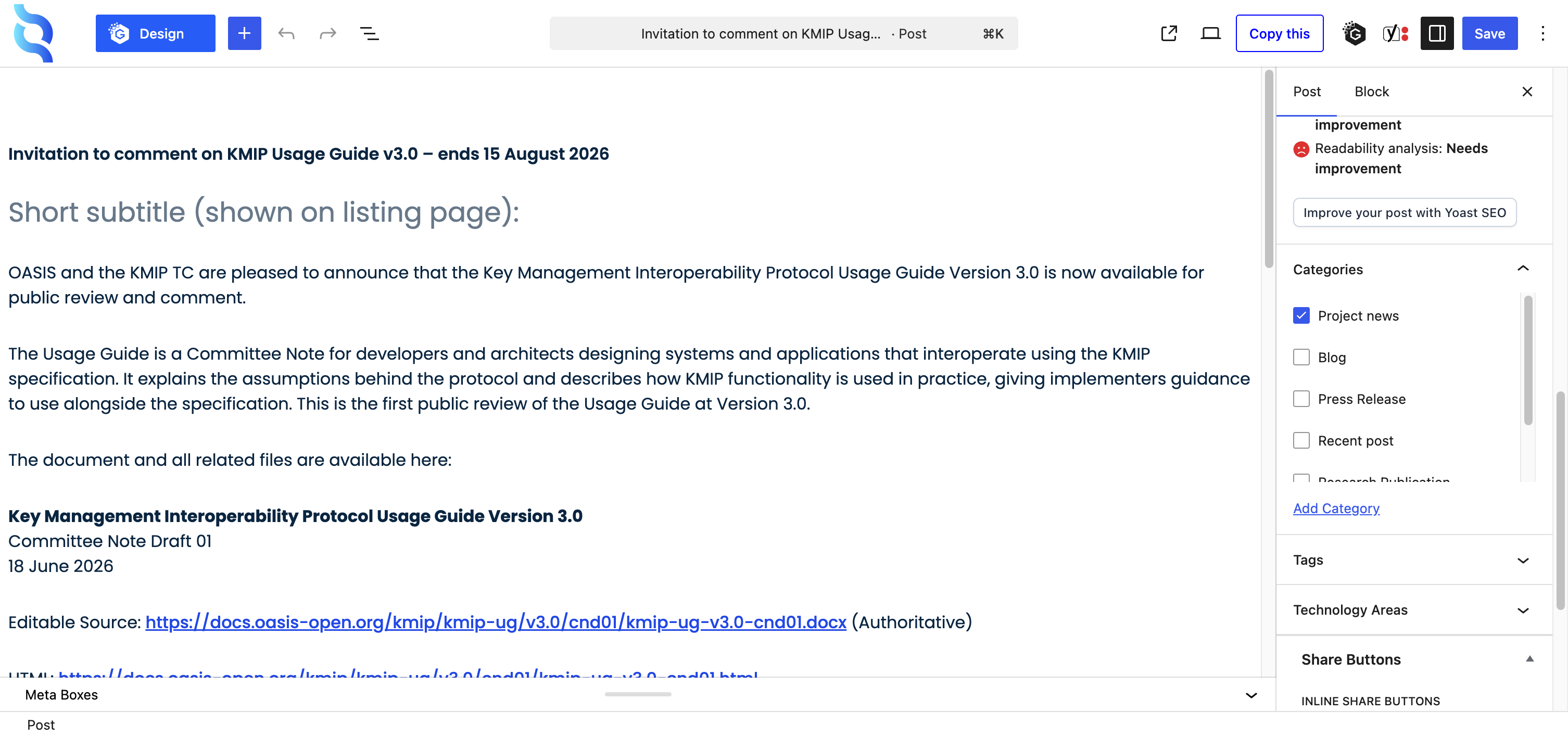
- Then a matching news post goes up on the website, because the post is the public record and there is no standalone listing page to edit.
Do not look for an open-reviews category to apply. As of 22 July 2026:
- the website has no category with that slug at all;
- the dedicated listing URL returns not found;
- the category alias redirects to the news page with a filter the page ignores.
The four categories the filter actually offers are blog, press release, project news and recent post, and an Invitation to Comment carries project news. The announcement therefore links the specific post or the news feed, never the listing route. The older public-reviews slug redirects to a 2016 post and is never used.
The announcement carries:
- the title, version, stage and date of each document;
- links to every published format;
- the review start and end with UTC times;
- the comment routing with the statement that comments made by any other means cannot be accepted;
- the TC Administration contact address;
- the governing intellectual property policy and feedback licence with an invitation to disclose;
- the TC home page.
- Owner
- the TC supplies the approving Full Majority Vote; the TC Administrator issues the review.
- System
- the publishing operation for the documents; the all-members community on the member platform for the Invitation to Comment; the website's news system for the listing.
- Permission
- posting rights on the all-members community, author access to publish a news post under that category, and publishing access. The all-members posting right sat with a staff member who left in June 2026, so it is confirmed before a review opens, not partway through.
- Timing
- the announcement starts the clock; the window is the minimum for the review type.
- Record
- the published documents; the Invitation to Comment post; the news post; the request ticket updated with review opened, the start and end dates and the link to the announcement, plus the work tracker row, the activity log and the close date on a calendar.

6.3 Comments and the resolution log
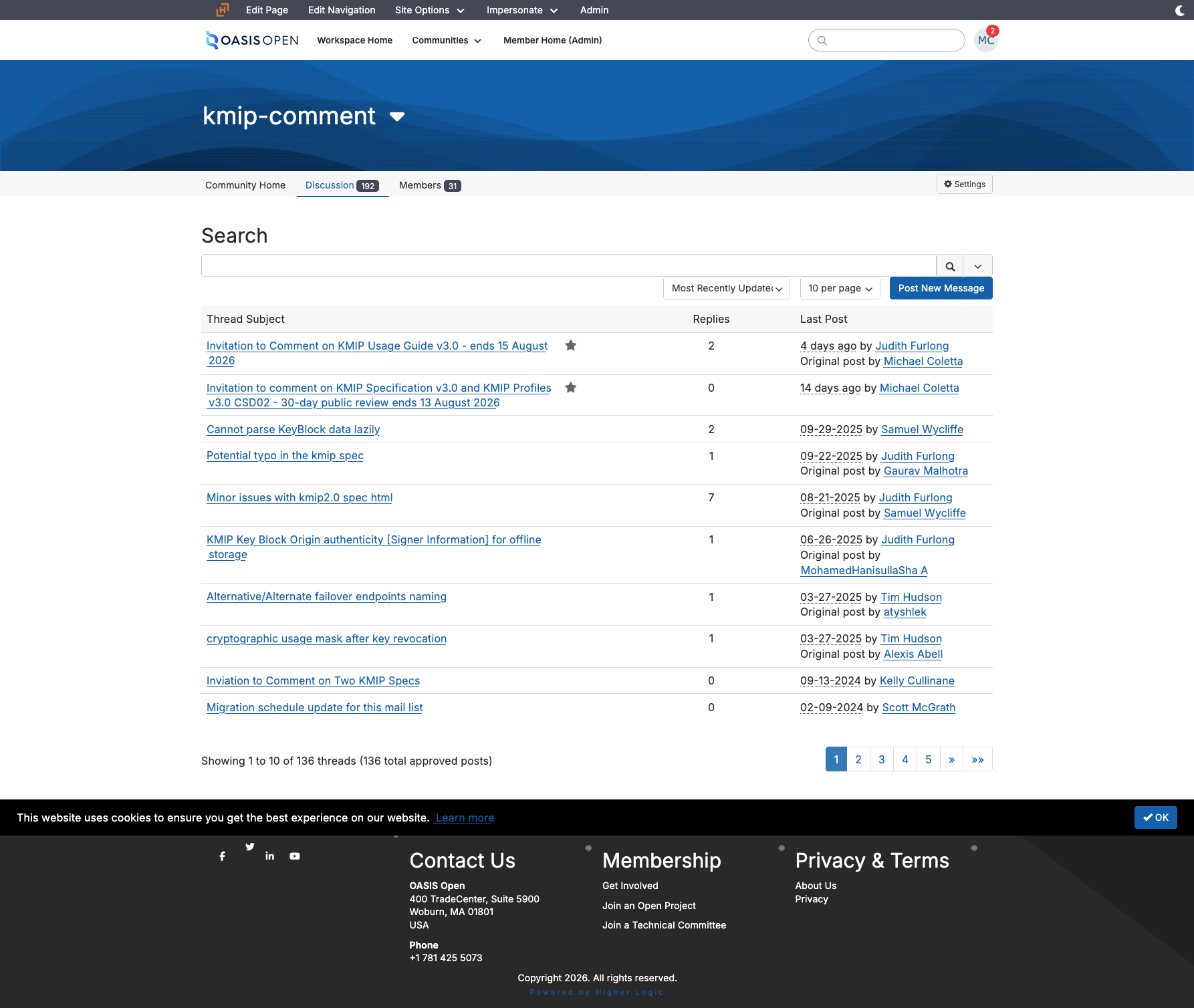
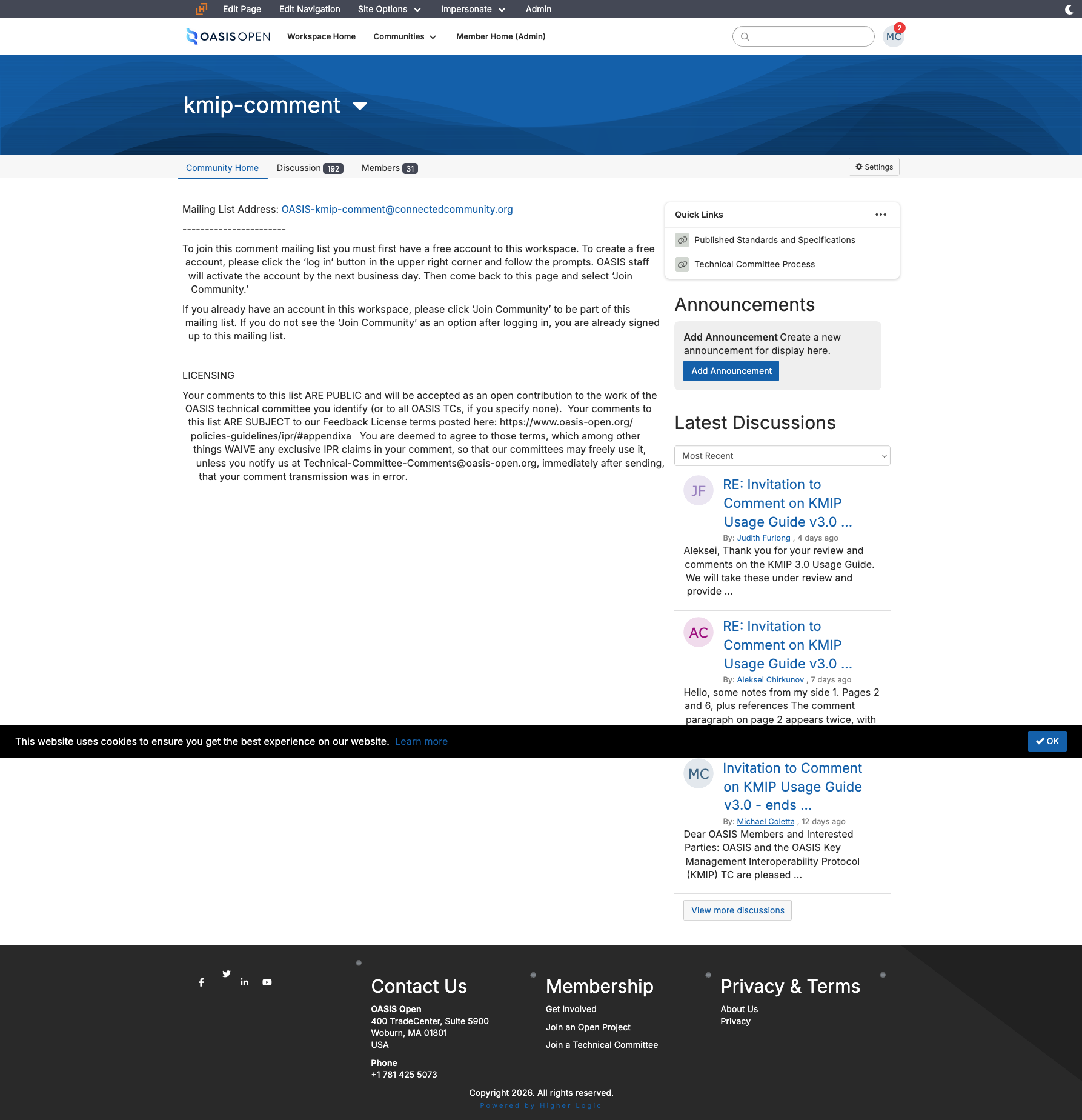
Comment routing goes through the member platform, and the public has exactly one route. The legacy TC mailing lists (lists.oasis-open.org) no longer carry mail, so TC members post their comments to the TC's own Higher Logic community instead. Comments from everyone else, including the public, must be made via the TC's comment facility and shall not be accepted via any other means (TC Process 1.7, policy:public_comment_facility), and the announcement must say so in those terms. The public form that submits into the facility is the facility's own entry point, not a second channel beside it.
| Who comments | Where they post |
|---|---|
| TC members | the TC's own Higher Logic community |
| Everyone else, including the public | the TC's comment facility |
Review the comment position before quoting anyone a completion date: a single comment on a candidate review triggers a further ballot and moves the date by weeks.
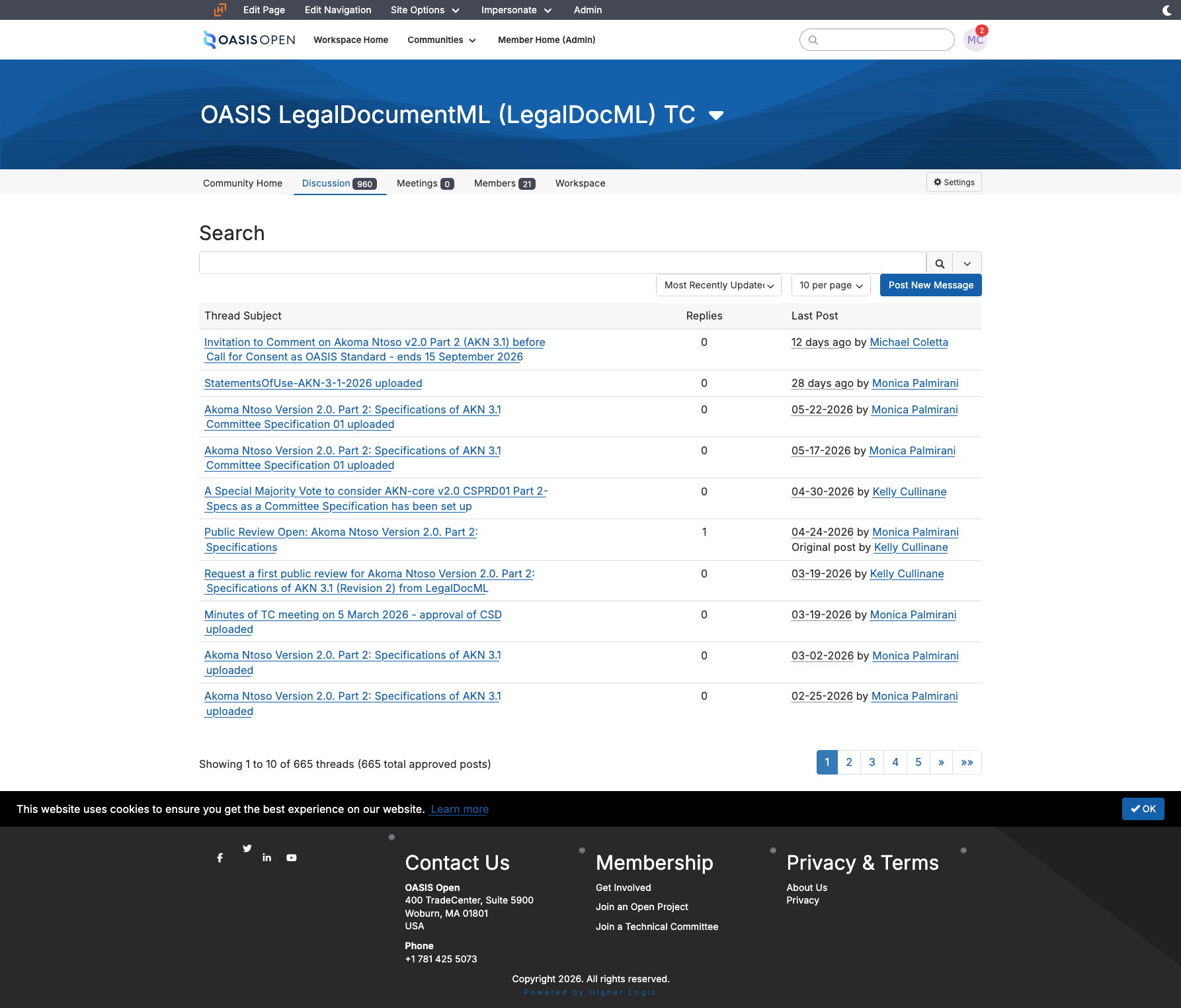
- Read the comment facility's digest view sorted by most recently updated, and corroborate on the TC community, whose default scope covers subcommunities.
- Read the dates rather than the titles.
- There is no working feed and the digest view paginates, so the page is rendered and read rather than fetched raw.
Keep the comment resolution log alongside the Work Product as comments arrive. The log records, for each comment:
- a link to the original message in the archives;
- who raised it;
- how it was resolved.
Keeping it as you go turns the disposition task at close into recording decisions rather than reconstructing them.
- Owner
- commenters submit; the TC resolves; the TC Administrator points the channels correctly in the announcement and reads the position during the window.
- System
- the TC's own Higher Logic community for members; the TC's public comment facility community for everyone else.
- Permission
- administrator of the per-TC public comment facilities.
- Timing
- checked before any completion date is quoted to anyone.
- Record
- the comment resolution log kept alongside the Work Product.
6.4 Closing a review
At close the TC must acknowledge every comment and post a disposition for each one to the TC's own community and its comment facility community, not to the legacy mailing lists, which no longer carry mail.
Where the review ended, what comes next depends on whether it changed the document:
- Where the review produced no material changes, the specification proceeds to the Special Majority Vote that approves the Committee Specification.
- Where it produced material changes, the changed document goes to another public review at the 15-day minimum as the next public review draft.
A candidate review closes differently, because what follows it is the Call for Consent rather than a ballot. There the chair notifies the TC Administrator of the results and the 7-day clock to open the Call for Consent runs from that notification, not from the review closing, so the notification is the thing to chase. Section 5.6 carries that chain.
Record the outcome on the request ticket, the work tracker row and the activity log, with the follow-up date set.
- Owner
- the TC dispositions the comments; the TC Administrator records the outcome and starts the next task.
- System
- the TC's own community and the comment facility for the dispositions; the request tracker and the work tracker for the record.
- Timing
- begins the day the window closes.
- Record
- the dispositions posted to both communities; the comment resolution log; the request ticket and tracker updated.